Download Facebook Videos
A Versatile Facebook Downloader for Any Device
Looking for a reliable Facebook video downloader? Our free tool is built with your security in mind and features a user-friendly design. You can download videos in various resolutions, from standard definition (SD) to high-quality 4K, depending on your preference. The downloader works well with popular browsers, including Google Chrome, Mozilla Firefox, Safari, Opera, and other Chromium-based browsers, providing a dependable video download experience.


Simple Steps to Download Facebook Videos
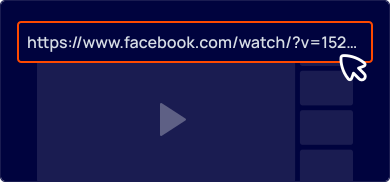
Copy the Video URL
Find the Facebook video you wish to save and copy its URL from the address bar.

Paste the Link into Ddown
Navigate to the Ddown website and paste the video's URL into the input field at the top of the page.
Choose Quality and Download
Select the desired video quality and format (e.g., MP4), then click the "Download" button to save the file to your device. That's it!
FAQ

To download private Facebook videos, you'll need to use our Helper browser extension. If you have permission to view a private video, the extension will enable you to download it.
Please note that you cannot download private videos using the Ddown website because of Facebook's privacy restrictions. The browser extension is the only way to save these videos directly from the Facebook page.
Always respect copyright laws when downloading content. If you download a video protected by copyright, you are solely responsible for that action. We advise you to proceed with caution and consider all legal implications.
No, Ddown does not store or host any videos. All video content remains on Facebook’s servers.
Our service functions by finding the direct download URL for the video you want. When you click to download, you are fetching the file directly from Facebook’s servers, not from ours.